Skip to main content
Trim Audio on Audio Upload
- Select Conversations and then select Add Conversation
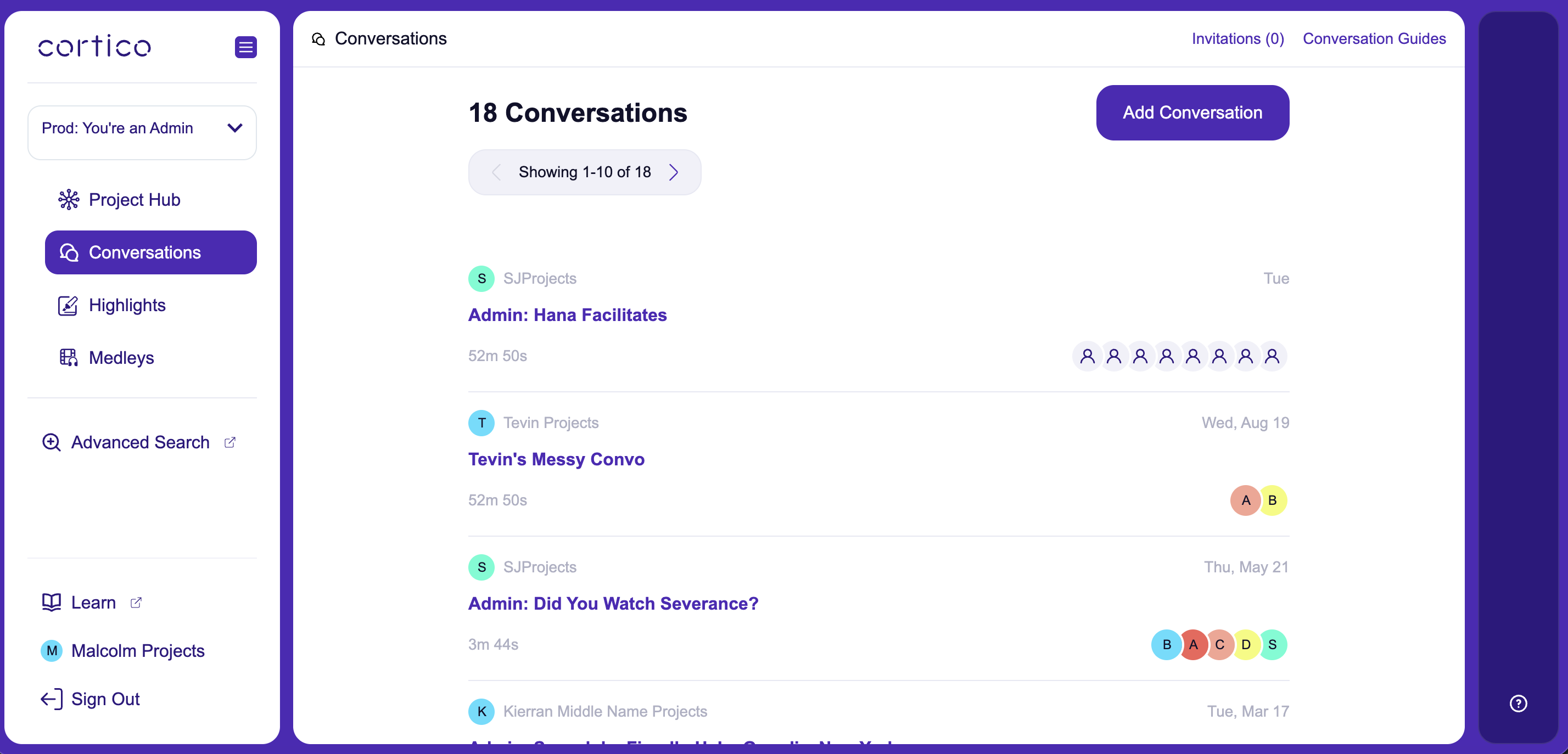
- Drag and drop or select the file you want to upload into the audio file section, and then select Adjust start time and end time.
- Play and select where you would like your final audio file to begin and end. Then drag the purple bars to cover the parts that you would like to trim.
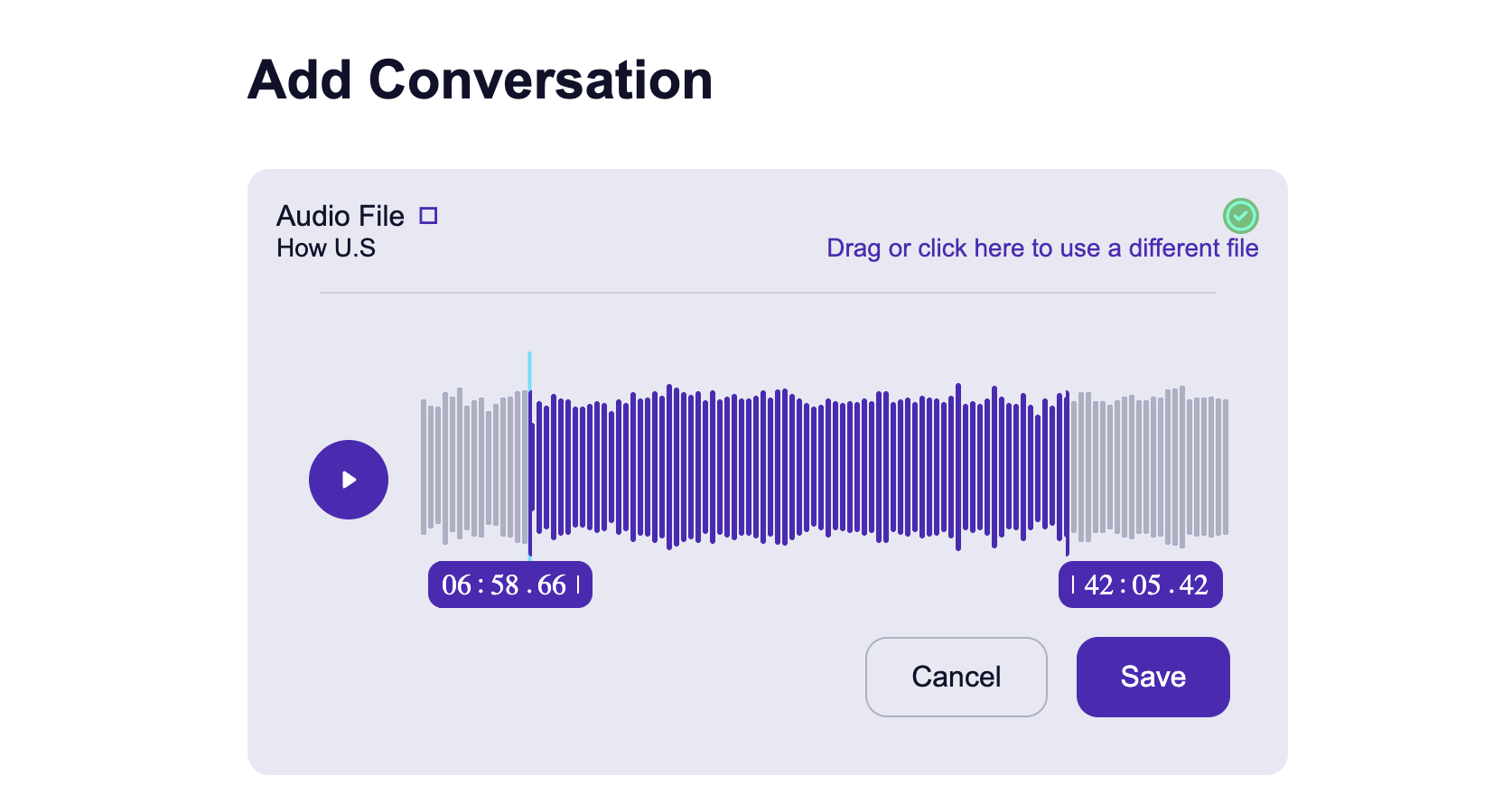
- Now you can upload your conversation with the parts you identified trimmed off of the final audio file.